Turn Your Story into a
Stunning Graphic Novel
Upload your manuscript and NovelForge extracts your characters, builds your chapters, and lays out illustrated pages you design visually — with consistent characters and the art style you choose.
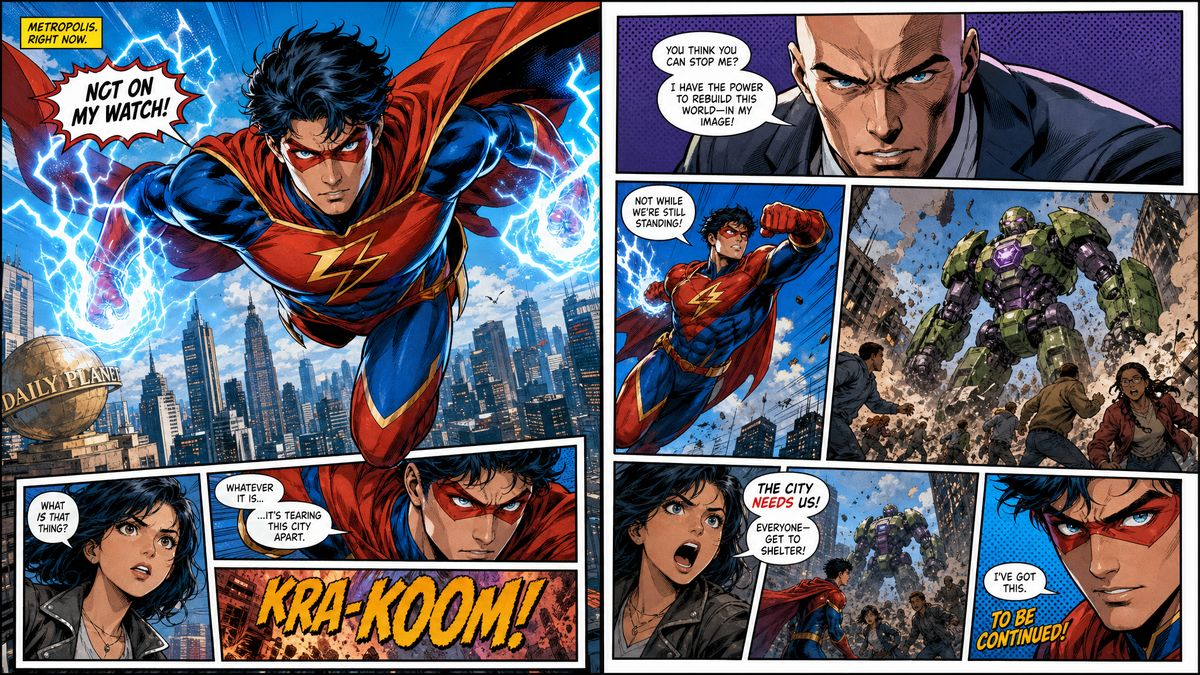
Comic Book
Visual Templates
Six Art Styles
Pick a style to match the tone and genre of your story — it's applied consistently across every character, page, and cover
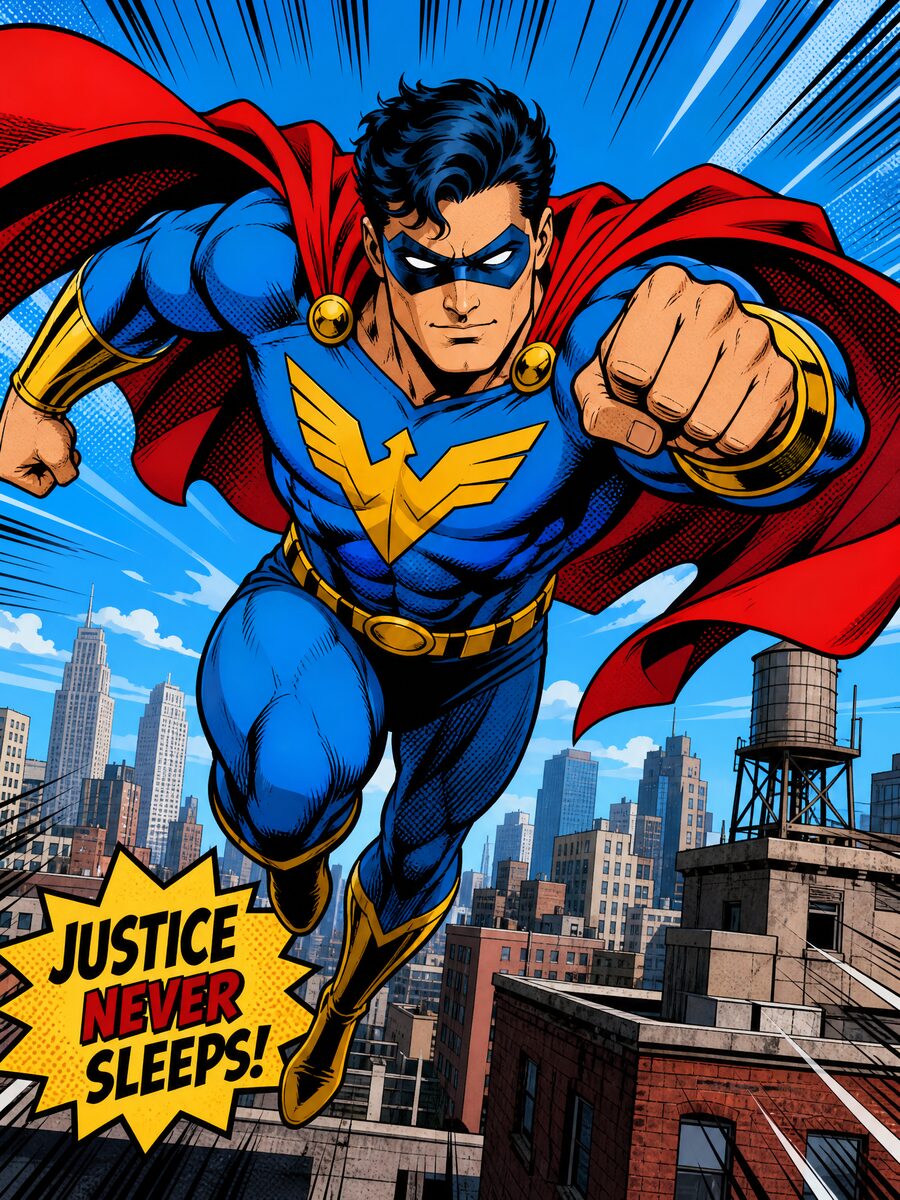
Comic Book
Bold ink outlines, cel shading, and vivid saturated colors
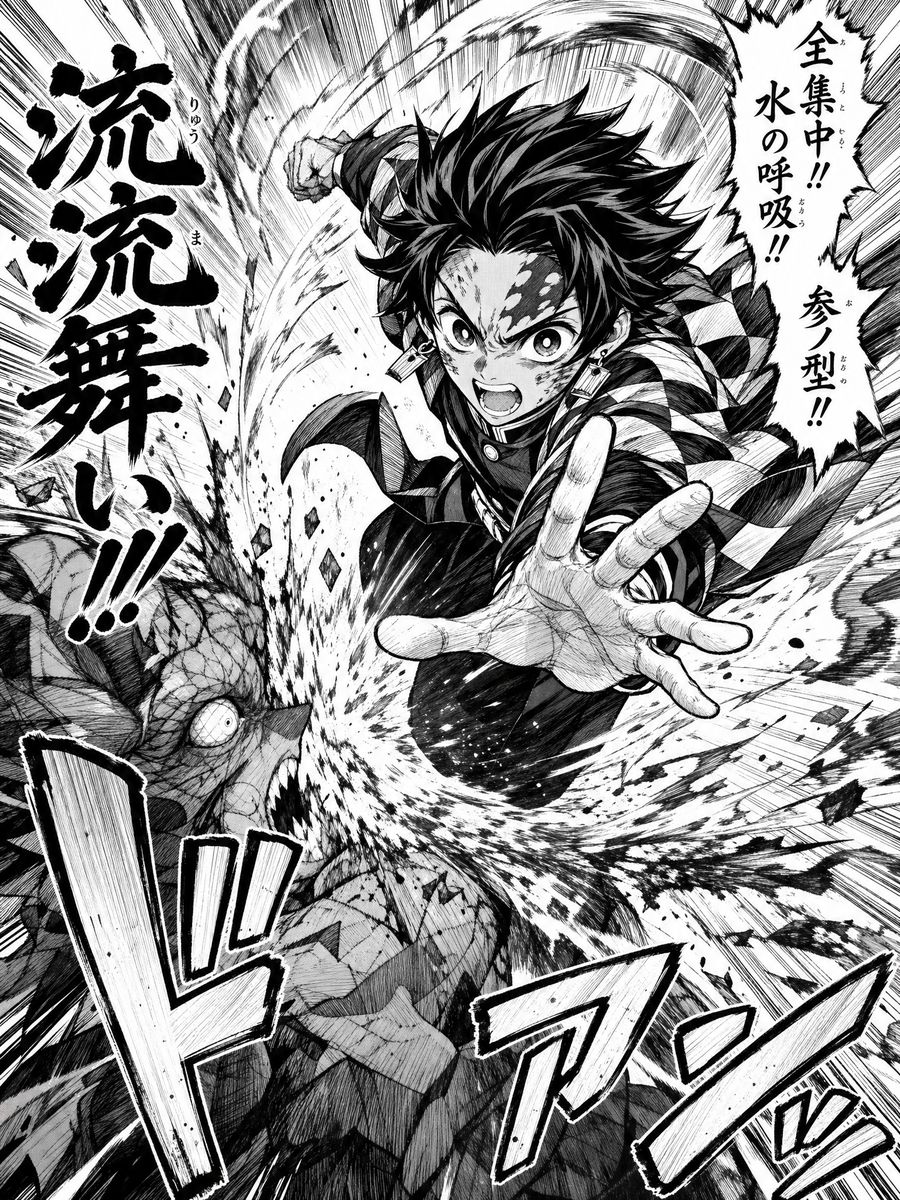
Manga
Dynamic action lines, expressive characters, and kinetic energy

Realistic
Photorealistic, lifelike rendering with cinematic lighting
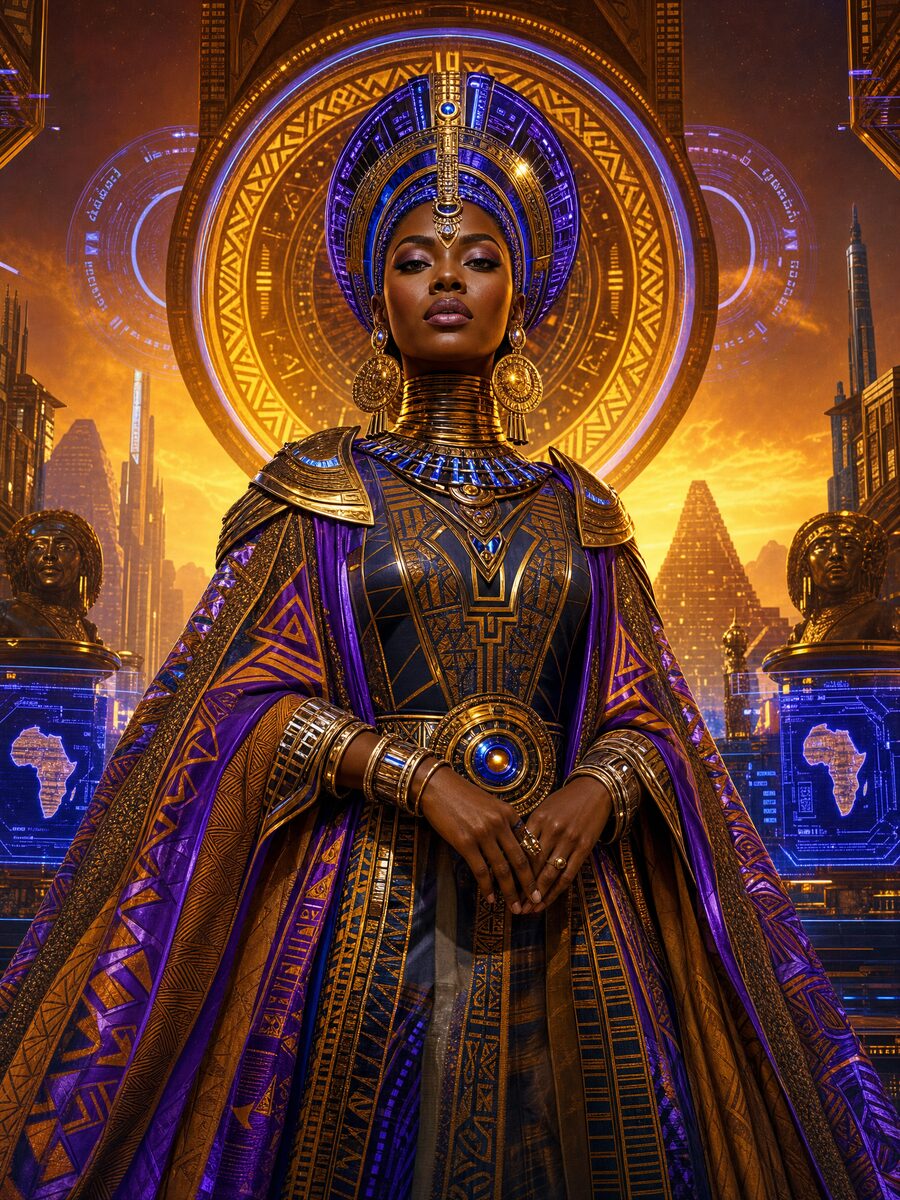
Afrofuturism
Vibrant Afrocentric sci-fi with luminous colors and ornate detail
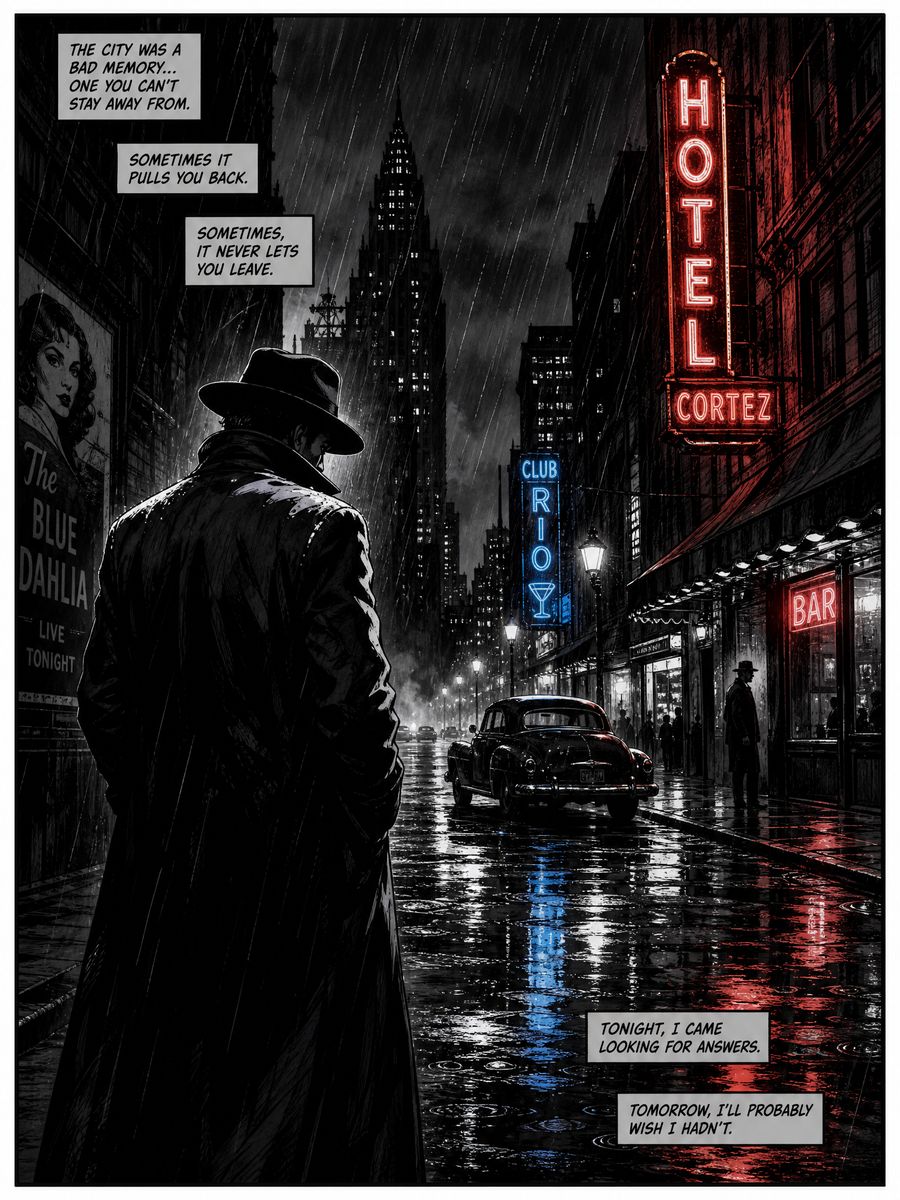
Film Noir
Dramatic shadows, high contrast, and moody atmospheres
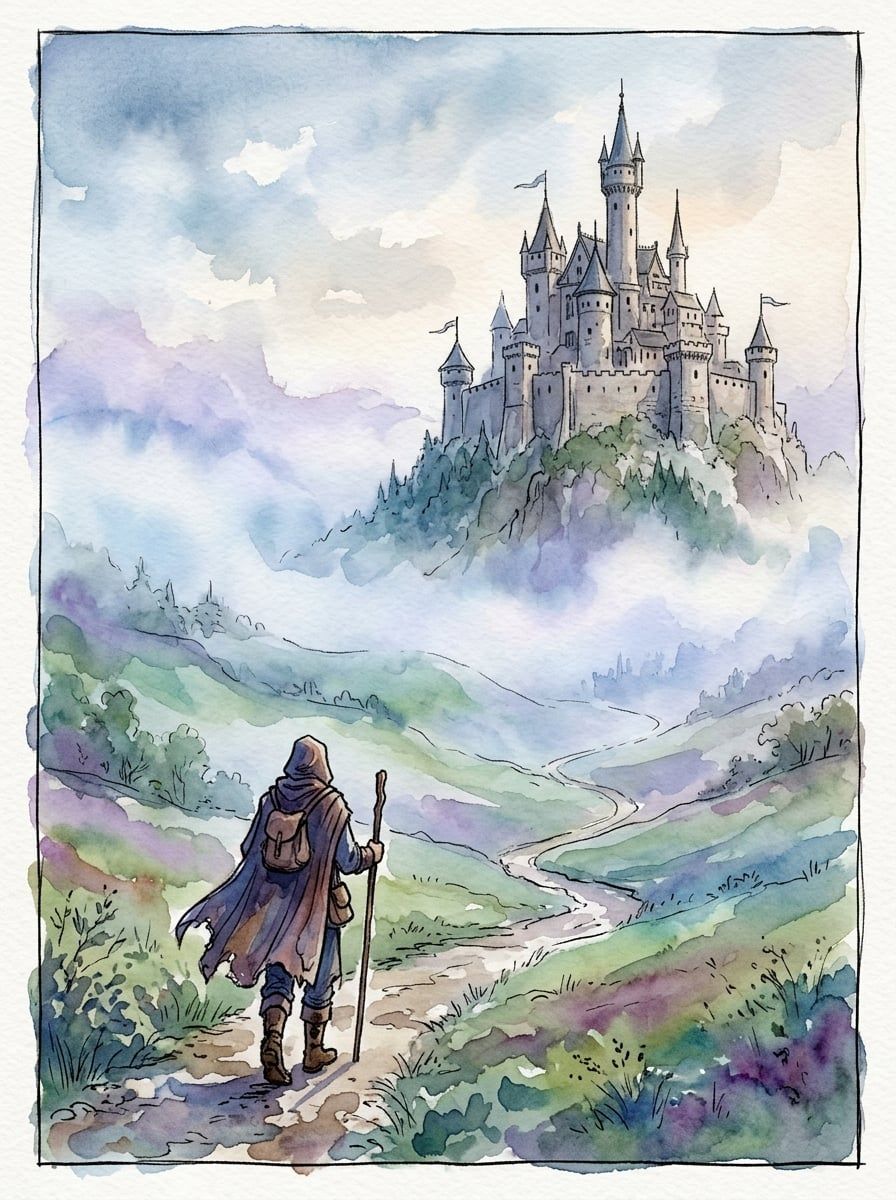
Watercolor
Soft, painterly brushstrokes with dreamy, atmospheric compositions
Powerful Features
Everything you need to turn your stories into professional graphic novels
Visual Page Editor
A true what-you-see-is-what-you-get canvas — edit your page and instantly see the finished result.
Page Templates
Full image + text, full text, half image + text, and 2- or 4-panel comic layouts with callouts.
Character Consistency
Approve a character's look once and reuse it across every page and panel automatically.
6 Art Styles
Comic Book, Manga, Realistic, Afrofuturism, Noir, and Watercolor — enforced consistently across all art.
Fast, Reliable AI Art
Generate multiple images at once in seconds, with automatic fallback so a page never gets stuck.
AI Story Extraction
Upload a PDF or DOCX and AI extracts your text, then organizes characters and chapters for you.
Chapters & Callouts
Organize into chapters and enrich pages with fun facts, tips, world-building, and comic-style narration.
Preview & Export
Read your novel page-by-page exactly as it will appear, then export to share your finished work.
How It Works
Upload Your Story
Paste text or upload a PDF/DOCX — AI extracts the full manuscript
AI Builds Cast & Chapters
Characters and chapters are auto-identified and organized
Design Pages Visually
Choose a page template and see a true preview of every page as you edit
Generate & Export
Create consistent art in your chosen style, then preview and export